HolyApps for iOS and Android: Preparing Your Traffic Launch
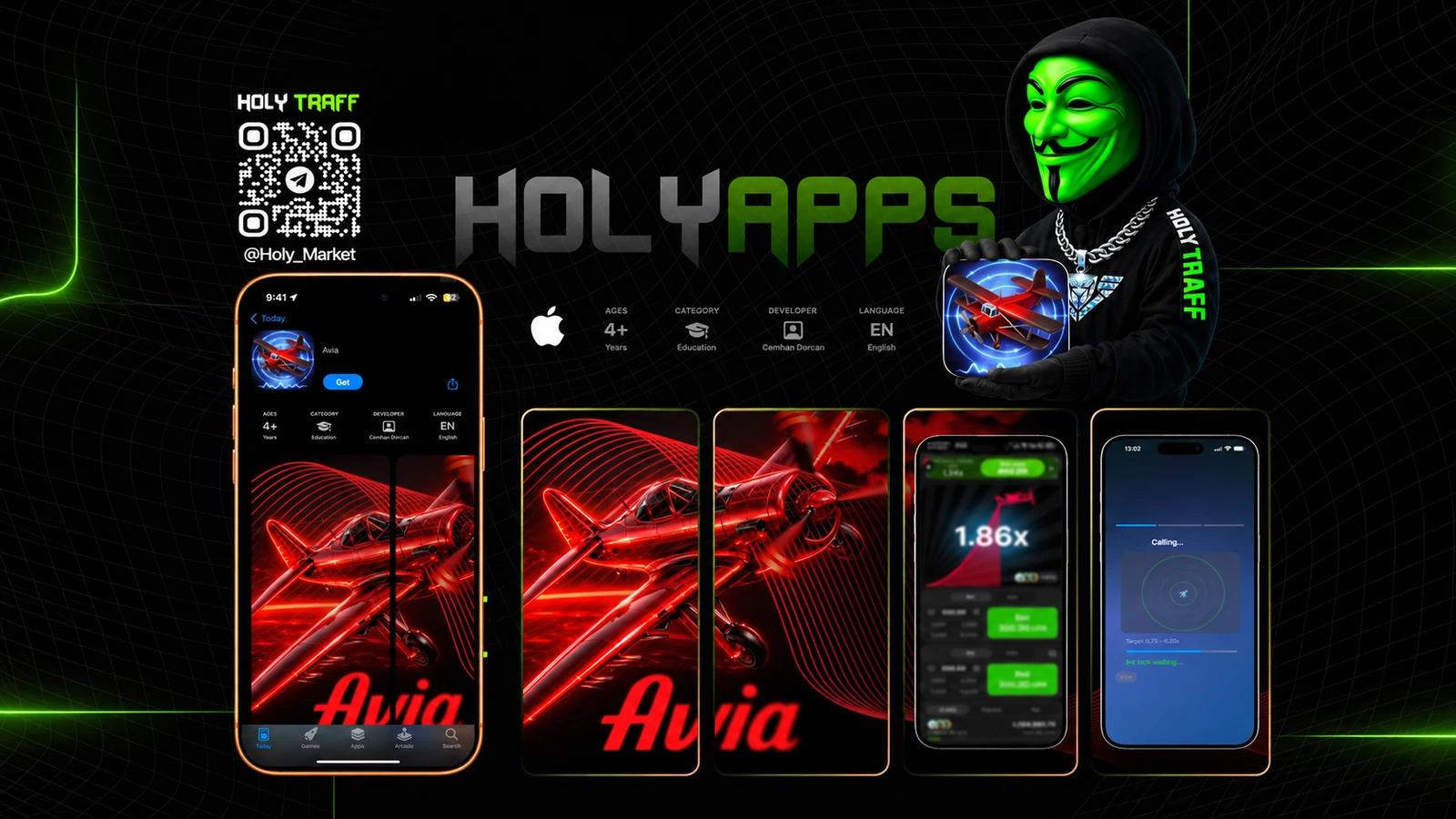
HolyApps is the HolyTraff service for teams that work with mobile traffic. We offer iOS and Android apps for your offer and help prepare the mobile part of a launch. HolyApps Bot is a starting point for exploring available solutions.
This guide brings together platform choices, briefing questions and user journey checks. Define the purpose of the test before discussing a particular application, analytics events and maintenance, so solutions are easier to compare by what they need to do.
Start with the offer, intended audience and the journey you want to test, so the conversation moves toward a usable application rather than a platform label.
An app for your campaign
A mobile app connects an ad click to the product that your team promotes. Before launch, agree on more than the visual design. Define what opens after installation, how users reach the offer, and which events you need to measure.
You can contact HolyApps with an existing offer or a task for a test campaign. Your traffic source, target country, language, and operating system help define the requirements. A small test and a campaign ready to scale can need different setups.
iOS and Android
We work with both mobile platforms. Choose iOS or Android based on the offer’s audience, user devices, and your traffic buying plan. If you target both systems, check the user journey on each one.
For iOS, check the app on iPhone, its navigation, and compatibility with the required system versions. For Android, account for different devices, screen sizes, and OS versions. Confirm the availability and distribution method of a specific app for your launch.
WebView and PWA
WebView displays web content inside an app. Loading speed, working forms, and the route to the product matter for this format. The offer’s mobile page must also be easy to use.
A PWA uses web technologies. Installation and available features depend on the browser and operating system. These formats have different launch paths, so start with the task you need to solve.
What to prepare
- Your offer link, target country, and language.
- Your platform: iOS, Android, or both.
- Your traffic source and the planned user journey.
- Your tracking requirements and analytics events.
- Your launch goal: test a new setup or support an existing campaign.
These details help us discuss the available app, configuration, updates, and support. Pricing and terms for a specific solution are agreed when you contact the team.
Get started
Open HolyApps Bot to explore available apps for traffic tests and launches. For a solution built around a specific offer, contact the HolyTraff team with a short description of your task.
Check the app before buying traffic
Ask for the version you are checking and the approval date to be recorded. If links, copy or settings change after the test, the earlier check does not automatically confirm the new state. A short saved list of checked steps helps the team repeat exactly the right scenario and tell a new error from a known one. This is general advice on acceptance, not a separate HolyApps feature.
Start with an ordinary user journey on a real device. Open the advertising link, follow the proposed steps and check both the application and destination page. Separately inspect what happens after closing and reopening it: the user should not encounter an unexplained dead end.
Include failure conditions rather than testing only a successful journey. Look at a slow connection, an incomplete form and returning to the previous screen. If a problem appears, record the device, operating system, sequence of actions and expected result; a reproducible description is far more useful than “it did not work.”
For WebView, check the complete web experience inside the selected application. A page working in a separate browser does not establish that forms, external links and sign-in work inside the app. The first report about lost registrations is an expensive place to discover that difference.
For a PWA, agree the installation and launch journey on the target devices beforehand. The web.dev documentation confirms that installation depends on the browser and operating system. One successful installation recording therefore cannot replace checking the scenarios relevant to your audience.
Define the necessary analytics action before discussing volume. Installation, opening the offer, registration and FTD answer different questions. Measuring installations alone cannot reveal which later step stopped the user from progressing.
Consider an illustrative scenario: the application opens, but a required identifier disappears after registration. Buying more installations will not repair that data path. The team should check the journey and event first, then return to assessing traffic quality.
Agree configuration, updates and maintenance
Record which application is being discussed and which changes the request includes. Platform, target language, product link and required events need enough detail for both parties to verify the same result. “For our offer” is useful at the beginning of a conversation, but needs a concrete definition before launch.
Separate preparation of a new version from operating an existing solution. Discuss who supplies copy and graphics, who checks the offer, who handles publication and who receives problem reports. The specific update and support conditions should be confirmed in the conversation rather than assumed from the word maintenance.
If the offer may change after the test, ask about the change process early. What information should be supplied, what will need another check and how will the team know the new version is ready? An agreed process is more useful than an expectation that every change will happen immediately.
Establish what remains under your team’s control. Ad account access, budget, offer conditions and scaling decisions do not automatically become the app supplier’s responsibility because the technical component belongs to the same campaign. Clear boundaries reduce the familiar question of who was supposed to do something.
Compare solutions against the complete task. A small exploratory test and an existing campaign with accumulated analytics may need different settings. Previous spending should not determine the choice by itself: assess what the next launch requires and which conditions are available now.
Questions about HolyApps
What is the difference between iOS and PWA?
iOS is an operating system, while PWA describes a web application format. They represent different levels of choice: a PWA may have a working journey on an iOS device, but its capabilities and installation steps require their own checks.
Is a complete technical specification required to start?
No. Begin with the product, market, source and test objective. If analytics requirements are undecided, say so; agreeing them before launch is more useful than reconstructing the journey after the first spend.
Does publication guarantee that an advertising campaign can launch?
No. Application availability, advertising platform rules and the product’s promotion conditions require separate checks. The service description does not promise that every campaign will be approved.
Where can availability and pricing be checked?
Explore available solutions through HolyApps Bot, then discuss the specific scenario with the team. Price, timing, settings and maintenance depend on the request; this article does not define one tariff for every application.
An application should solve the launch task
Choosing HolyApps begins with the product, audience and a clear user journey. Define the platforms, test transitions and events, and agree the preparation scope and update process. The application can then be assessed as part of the campaign rather than an attractive phone icon. Send the team a short brief, identify unknowns and confirm terms before launch so the conversation moves toward a solution both parties can actually check.