Hive Proxy in Octo Browser: a proxy without a second sign-up

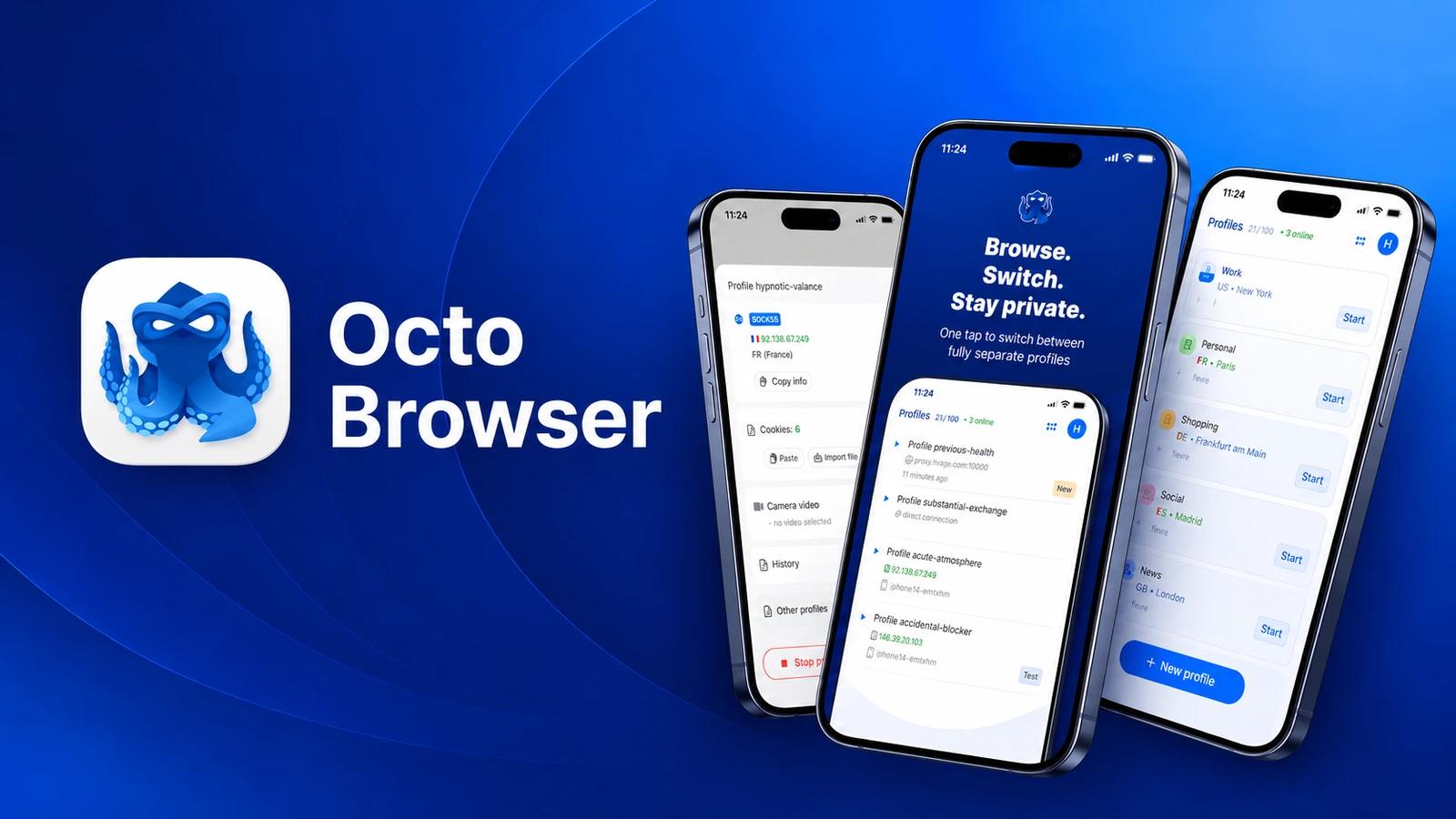
You usually buy a proxy in one place and paste it into another. Find a provider, open an account, top up, copy the host, port, login and password, paste them into a profile. Five steps, and each one can go wrong. In Octo Browser it is one window: Hive Proxy is sold right inside the browser, in the "Proxies and VPN" section.
Not one more service, but a button in the profile
Hive Proxy is one of the providers in the built-in Proxy Shop. Octo says a purchase needs no registration with third-party services and no manual transfer of credentials. You pay from your Octo balance and put the proxy on a profile straight away.
What you get: residential proxies and, since version 3.1, mobile ones. Hive Proxy itself talks about ethically sourced addresses and targeting down to a city. Those are the company's claims, so test the speed on your own tasks.
How to buy: four steps
- Open the "Proxies and VPN" section, pick the Hive Proxy provider and the traffic type.
- Click the top-up button, choose the volume and buy the traffic. Paying from the balance is on by default; if you are short of tokens, the system works out how much to add.
- Create a proxy: with the new proxy button or right from the proxy field in the profile list.
- Choose the type, country, region and city, plus the carrier for mobile proxies. Confirm.
The balance is topped up by card or crypto, 7 tokens minimum. Traffic is sold in gigabyte packages, from 1 GB. Check the current prices in the shop before you buy.
The catches
- You need an active Octo subscription. The shop is available on every plan, but once the subscription ends you cannot create a new proxy, even with traffic left.
- Proxy Shop purchases are not refunded. Start with the smallest package.
- No purchased traffic, no proxy.
- All proxies from one provider share one password. Only support can change it.
Who it suits
Those who already work in Octo, or are just starting and do not want a separate account with a proxy provider. One balance, one interface, no copying of credentials. A bonus: shop proxies do not count against the proxy manager limit.
If you need UDP, this is not the place: in Octo it comes from another provider in the shop, Nodyx.
Based on the Octo Browser documentation and blog and on the Hive Proxy website as of November 2026. Terms change, so check them in the shop before you pay.
The takeaway: the problem is rarely the proxy itself. More often it is the manual shuffle between two services. Here it simply is not there.
For a closer look at profiles, see our Octo Browser guide.