Octo Browser: An Antidetect Browser With Profiles for Your Team
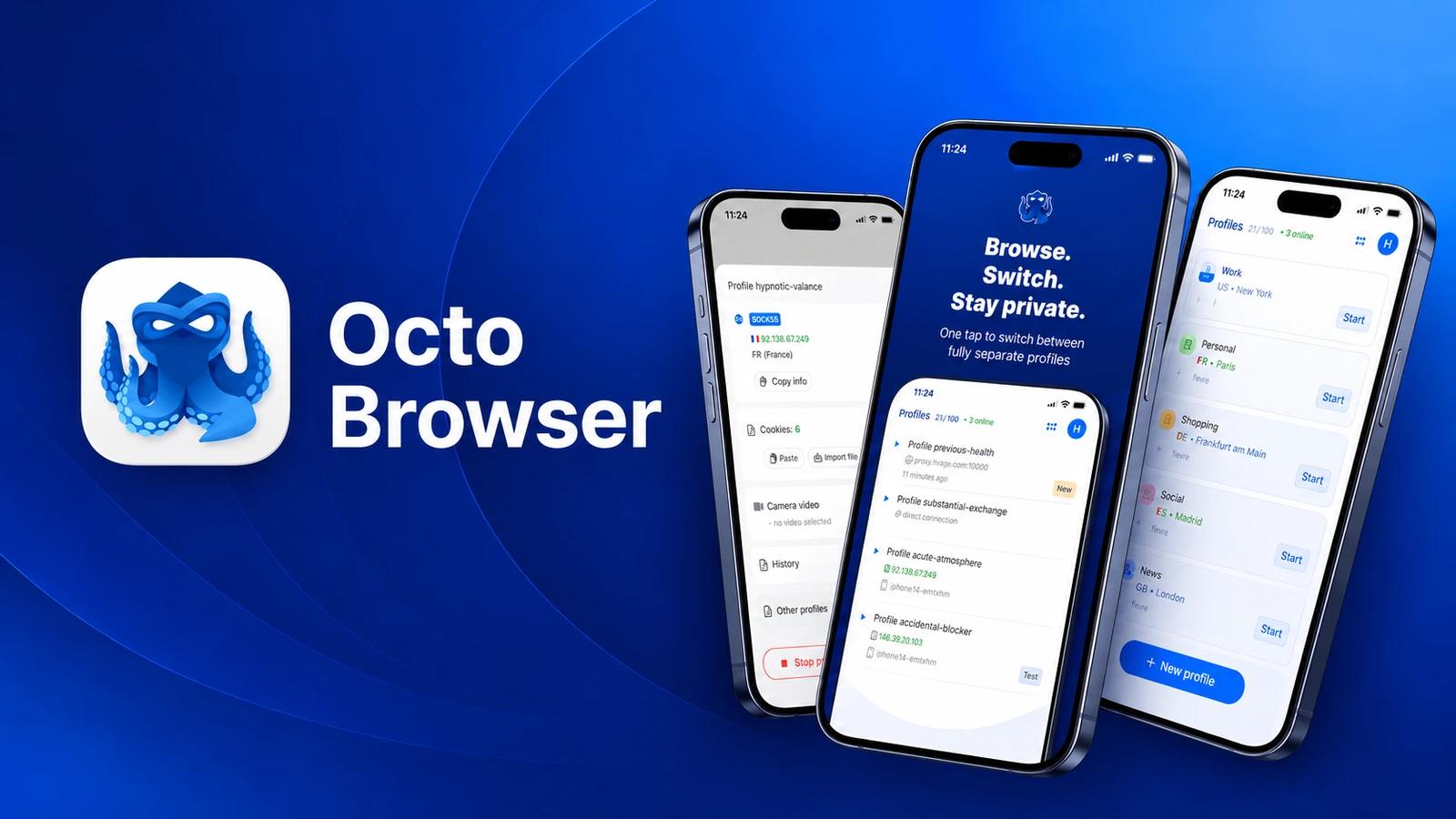
Octo Browser separates working browser profiles. A team can keep project sessions apart and give colleagues access to the profiles they need. This guide covers preparing one profile, checking its connection and handing over a project without sharing a master password. Details are available on Octo Browser.
Profile, account and proxy: different roles
A profile holds a browser environment and session. An advertising account remains a separate account with its own permissions and platform rules. A proxy supplies the network connection. Creating a profile does not create an advertising account or guarantee protection from account restrictions.
Prepare your first profile
- Choose one project for the test. Use a readable name: client-project-owner.
- Create a profile and add the connection intended for that project. Check the proxy address, port and authentication method.
- Launch the profile and check its actual IP, country and access to the working website before signing in.
- Sign in to your own work account. Close the profile, open it again and check that the session persists.
- Record who owns the profile, connection and account recovery process.
The first test checks the workflow. Avoid moving the whole team immediately: a configuration mistake in one profile is easier to fix than the same mistake across dozens of projects.
Troubleshoot a profile
| Symptom | First check |
|---|---|
| The website does not load | Check proxy expiry, credentials and website access through that connection |
| The country is unexpected | Check the actual exit IP and GEO settings with the provider |
| A colleague cannot see the profile | Check its folder and the colleague’s permissions |
| Signing in is required after reopening | Check session persistence and the website’s reauthentication requirements |
Change one setting at a time and repeat the same check. Save the error text and time. This helps distinguish a connection problem from access permissions or the website’s requirements.
Team access
Octo supports folder access and permissions for profile actions. A colleague may need to launch a profile without permission to delete it or transfer it to another user. Verify access from the colleague’s account, not only from the administrator’s view.
Prepare a brief handover note: profile purpose, owner, required services and how verification codes are obtained. Keep passwords and recovery codes separately in a password manager.
Choose a subscription for the workflow
Count active profiles, team members and the actions they need. Then check profile transfers, additional resources and API access in the selected subscription. Price alone does not establish whether a plan fits your team.
According to the documentation, API access starts with Base and limits vary by subscription. It supports profile operations and launching profiles with tools such as Playwright. Begin with one test profile and inspect the result before making bulk changes.
Before moving working projects
- The profile reopens with the required session intact.
- The connection supplies the expected IP and access to the working website.
- The colleague sees their project and has only the required permissions.
- A project owner and account recovery process are recorded.
This guide uses official Octo Browser documentation covering subscriptions, folders, team permissions and API access. We have not conducted our own comparative antidetect test.
For the steps to buy traffic and connect a proxy to a profile, see our Hive Proxy guide.